How to upgrade to Bitget Wallet V7.3.0 and move your assets

Announcement
  1. Check whether your Bitget Wallet (Previously BitKeep) App is up-to-date
    Tap the Setting icon in the upper right corner on the “Discovery” page to check the version you have installed on your device;

How to upgrade to Bitget Wallet V7.3.0 and move your assets image 0

If it is not 7.3.0, please upgrade to 7.3.0 before performing the following steps.

  1. Create a new wallet address and move your assets

1) Tap the wallet drop list on the home page, then choose to “Add a wallet”. Now select “New Wallet” and “OK”.
You will need to back up the new wallet and remember the name of the new wallet (it’s numbered by default);

How to upgrade to Bitget Wallet V7.3.0 and move your assets image 1

2) Switch to the old wallet with funds, select the tokens to move. Tap the address book icon, select the wallet address just created, then select "All" for the “Amount” field before tapping “Confirm”;

How to upgrade to Bitget Wallet V7.3.0 and move your assets image 2

3) In the NFT page, tap “Batch send ” then select all your NFTs. Tap “Send” and choose your newly created wallet in the address book before tapping “Confirm”. Don’t forget to switch to the new wallet to check the transfer is successful.

How to upgrade to Bitget Wallet V7.3.0 and move your assets image 3
How to upgrade to Bitget Wallet V7.3.0 and move your assets image 4

All tokens and NFTs in the wallet addresses you accessed with Bitget Wallet (Previously BitKeep) 7.2.9 must be moved to the new addresses, otherwise there may still be a risk of being stolen! You’re advised to delete the old wallet address when all transfers are completed to avoid misuse in the future.

larkLogo2023-01-03
    wallet
    Recommended
    • SNDK perpetual futures trading adjustment due to 8-for-1 stock split
      Announcement
      SNDK perpetual futures trading adjustment due to 8-for-1 stock split
      Dear Bitget Wallet community, Sandisk (SNDK) will undergo an 8-for-1 stock split effective November 20, 2026. To reflect the stock split, trading in SNDK perpetual futures (perps) will be temporarily suspended across three Bitget Wallet Perps platforms: PopDEX, Hyperliquid, and tatadex. Trading sche
      larkLogo2026-11-16
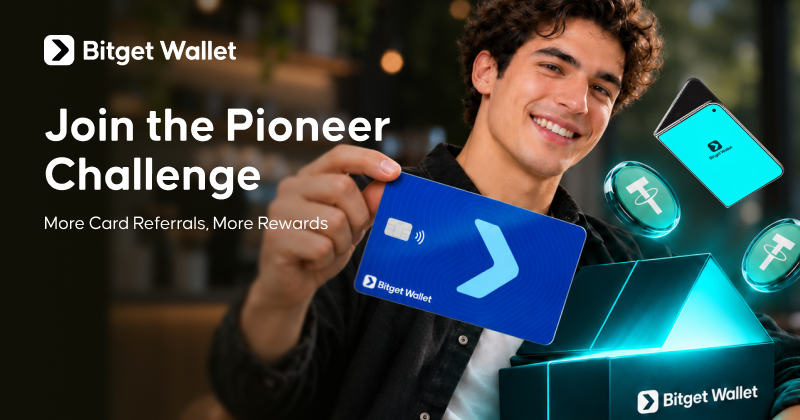
    • Join the Pioneer Program: Invite friends to apply for a card and unlock limited-time rewards
      Announcement
      Join the Pioneer Program: Invite friends to apply for a card and unlock limited-time rewards
      Ready to become a Bitget Wallet Pioneer? For a limited time, join the Bitget Wallet Pioneer Challenge and become an official Pioneer by completing just one verified Card referral. The challenge is open to eligible users with five or fewer previous successful Card referrals, including existing Pionee
      larkLogo2026-11-12
    • Bitget Wallet Expands AI-Powered Threat Detection to Strengthen Wallet Security
      Announcement
      Bitget Wallet Expands AI-Powered Threat Detection to Strengthen Wallet Security
      AI is changing the nature of crypto security. Attackers are using increasingly sophisticated tools to create convincing phishing websites and deceptive transactions, while traditional threat databases cannot always identify risks that have yet to be reported. To address this gap, Bitget Wallet has e
      larkLogo2026-11-10