akala
Akala Wallet: Best Wallet to Store, Send & Use Akala (2026 Guide)
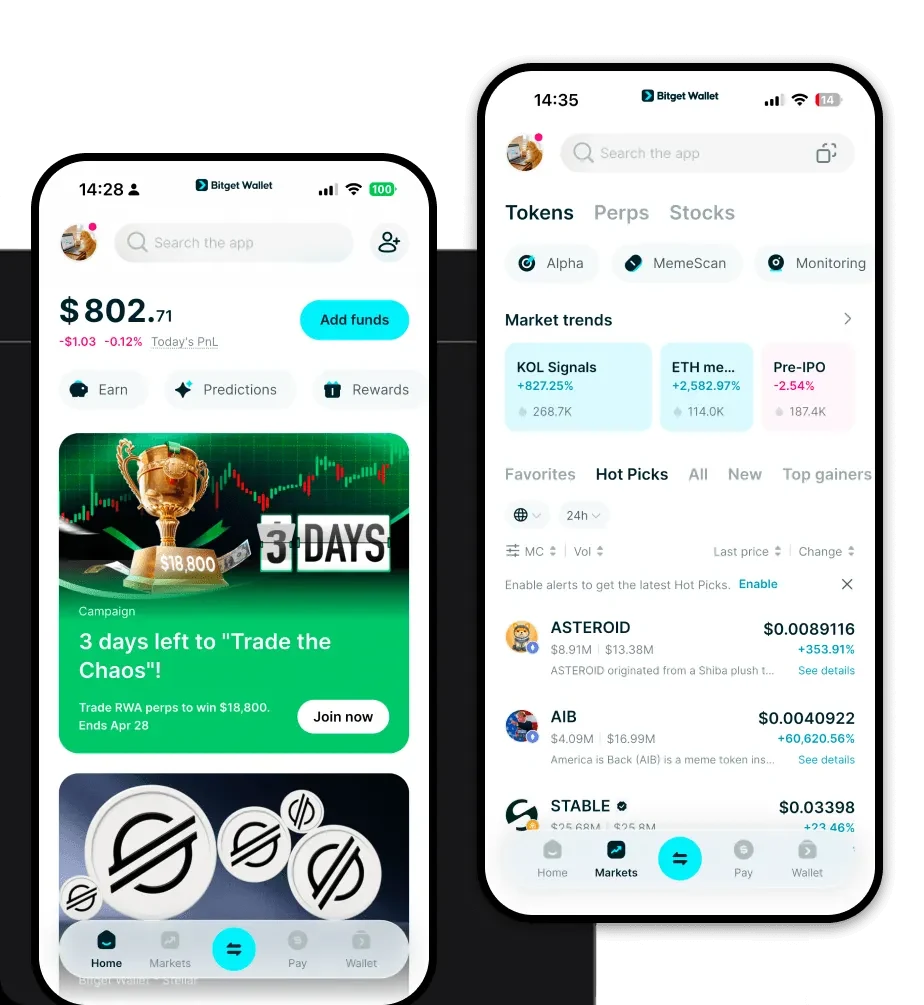
AKALA A.I. को स्टोर करने, भेजने, और इस्तेमाल करने के लिए सबसे अच्छा AKALA A.I. वॉलेट डाउनलोड करें. AKALA A.I. वॉलेट बनाना, DApps एक्सेस करना, और अपने AKALA A.I. को सुरक्षित तरीके से मैनेज करना सीखें.
अक्सर पूछे जाने वाले सवाल
सवालों के जवाब मिल गए.
Is Akala wallet safe?
Yes, using Bitget Wallet for your Akala tokens is highly secure. It provides full private key self-custody, meaning only you have access to your funds. Additionally, Bitget Wallet is backed by a $300 million user protection fund, providing an extra safety net against potential security threats.
How to get an Akala wallet address?
To get your address, simply download and set up Bitget Wallet. Once your wallet is created, select the 'Receive' button, search for AKALA, and copy the displayed address. This is the unique identifier you can use to receive tokens from exchanges or other users.
Can I store Akala on Bitget Wallet?
Yes, you can easily store, send, and receive AKALA tokens using Bitget Wallet. The wallet supports a vast range of tokens and is fully compatible with the requirements of the Akala network, making it an ideal choice for managing your DeFi assets.