





What is a MUSE Wallet?
A MUSE wallet is a digital interface designed to securely store, send, and manage MUSE tokens, the native governance asset for the Muse DAO. Muse DAO operates Muse.Finance, a sophisticated platform centered on decentralized finance (DeFi) strategies. Because MUSE is built on the EVM (Ethereum Virtual Machine) standard, your wallet functions as a gateway to the broader Ethereum ecosystem, allowing you to interact with dApps, smart contracts, and decentralized exchanges seamlessly.
The token itself serves as the backbone of the Muse.Finance ecosystem. According to the project specifications: MUSE is the governance token for the Muse DAO, which operates Muse.Finance, a platform focused on decentralized finance strategies. It enables users to participate in yield farming, liquidity provision, and governance decisions within the ecosystem. To interact with these features effectively, you need a non-custodial, EVM-compatible wallet that keeps your private keys under your control while providing a smooth bridge to DeFi protocols.
Download Bitget MUSE Wallet
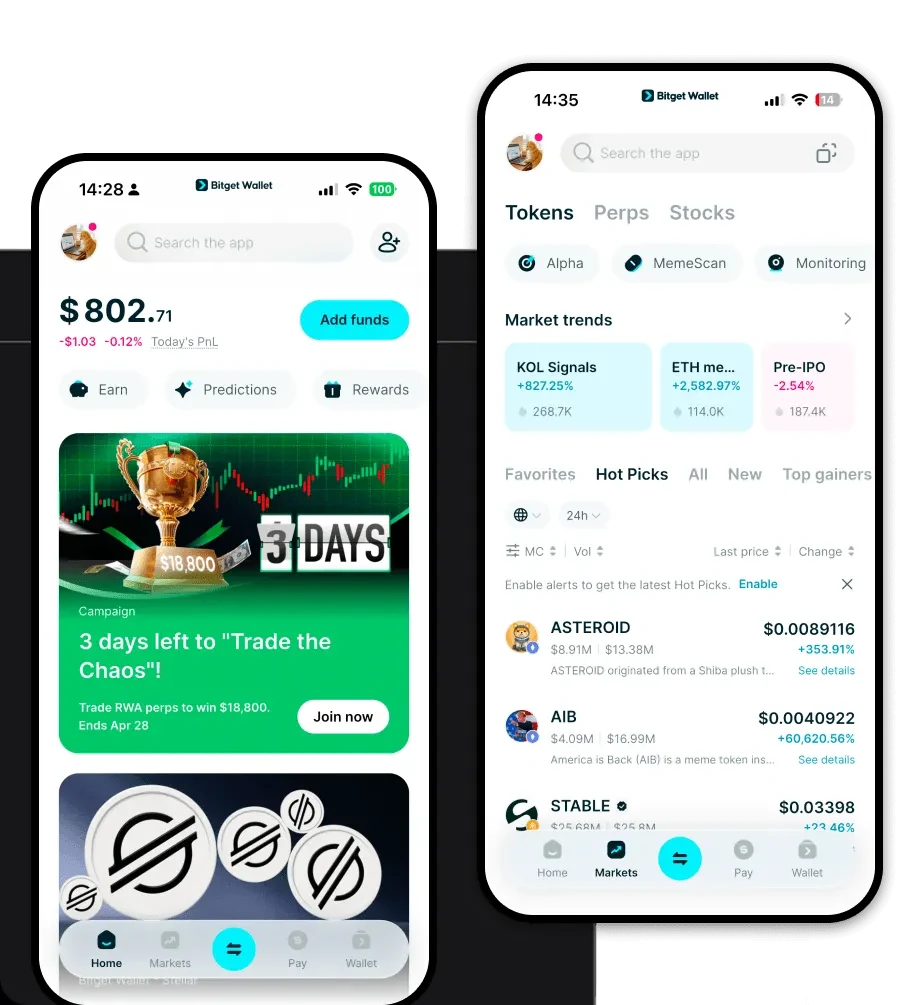
To experience the full potential of your MUSE tokens, you need a robust, user-friendly interface. Bitget Wallet provides a comprehensive solution for both beginners and DeFi power users. Whether you are accessing the blockchain via your desktop or on the go, Bitget offers a unified experience across platforms.
You can access your assets through the download Bitget Wallet page, which provides secure installation options for iOS, Android, and browser extensions. By choosing Bitget, you are opting for a non-custodial, decentralized environment where you retain full ownership of your private keys and seed phrases. With native support for over 130 public chains and seamless EVM integration, it is the ideal tool for managing MUSE alongside a diverse portfolio of other digital assets.
Why Choose Bitget MUSE Wallet?
When dealing with DeFi tokens like MUSE, your wallet choice matters. Bitget Wallet is engineered to handle the complexities of the EVM ecosystem while prioritizing user experience and security.
- Seamless EVM Compatibility: Bitget Wallet is built to handle EVM-based assets natively, ensuring you can connect to Muse.Finance and other DeFi protocols without compatibility errors or complex manual network configurations.
- Advanced Yield Farming Optimization: The wallet interface is designed to help you track your DeFi positions, making it easier to manage yield farming strategies and liquidity provision directly from your dashboard.
- Decentralized Governance Access: Participating in Muse DAO decisions is straightforward with Bitget’s integrated DApp browser, which allows you to connect to voting platforms securely without exposing your private keys.
- Robust Security Architecture: With a $300 million user protection fund and advanced encryption, Bitget provides a safety net for your assets, combining the convenience of a hot wallet with enterprise-grade security standards.
- Community-Driven Treasury Management: The platform supports advanced transaction signing, ensuring that your interactions with community-driven treasuries and smart contracts are transparent and secure.
How to Create a MUSE Wallet
Setting up your wallet is a straightforward process that grants you immediate access to the MUSE ecosystem. Follow these steps to get started:
- Download and Install: Visit the official Bitget Wallet download page and install the application on your preferred device (mobile or browser extension).
- Create a New Wallet: Open the app and select 'Create Wallet.' You will be prompted to set a strong password for your local device access.
- Backup Your Seed Phrase: The app will generate a 12-word recovery phrase. Write this down on paper and store it in a secure, offline location. Never share this with anyone, as it is the only way to recover your funds.
- Verify Your Setup: Follow the on-screen prompts to verify your seed phrase, ensuring you have correctly recorded it.
- Import or Receive MUSE: Once your wallet is active, you can either import an existing address or click 'Receive' to copy your EVM-compatible wallet address to deposit your MUSE tokens.
What Can You Do With a MUSE Wallet?
Holding MUSE in your Bitget Wallet is just the beginning. The token is designed for active participation in the DeFi economy. Here is how you can utilize your MUSE tokens:
- Staking for Rewards: You can lock your MUSE tokens into designated smart contracts via your wallet to earn yield, effectively putting your idle assets to work.
- Governance Voting: By connecting your wallet to the Muse DAO portal, you can cast your vote on community proposals, directly influencing the future development and treasury management of the platform.
- Providing Liquidity: Utilize your wallet to deposit MUSE into liquidity pools on decentralized exchanges or Muse.Finance, earning trading fees from other users who swap against the pool.
- Yield Farming: Engage in advanced yield farming strategies by moving your MUSE through the DApp browser, allowing you to maximize your returns across different DeFi protocols.
How MUSE Wallets Are Different from Other Crypto Wallets
Not all wallets are created equal, especially when dealing with specific token ecosystems. Because MUSE is an EVM-based token, the wallet must handle the complexities of the Ethereum Virtual Machine efficiently.
Unlike wallets designed for UTXO-based chains (like Bitcoin), which focus on single-transaction inputs and outputs, a MUSE wallet is built for an account-based model. This means your wallet tracks a balance associated with an address and manages nonces to prevent transaction replay attacks. Furthermore, because MUSE operates in the DeFi space, your wallet must be optimized for gas fee management. Bitget Wallet excels here by providing real-time gas estimates and the ability to adjust transaction speeds, ensuring your yield farming transactions are prioritized during network congestion. While some wallets are basic storage units, a specialized MUSE wallet acts as a functional dashboard for your DeFi activities.
