kwark
KWARK Wallet: Best Wallet to Store, Send & Use KWARK (2026 Guide)
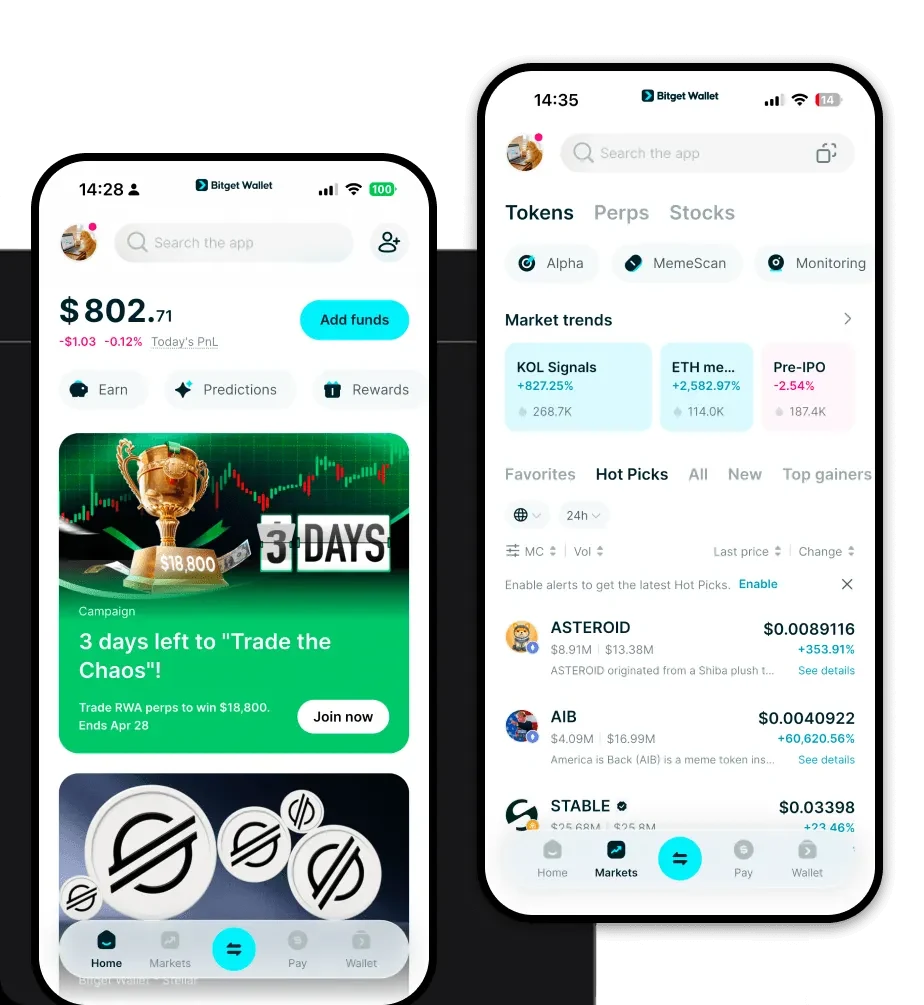
Tải xuống ví KWARK tốt nhất để lưu trữ, gửi và sử dụng KWARK. Tìm hiểu cách tạo một ví KWARK, truy cập DApp và quản lý KWARK của bạn một cách an toàn.
Câu hỏi thường gặp
Giải đáp các câu hỏi.
Is KWARK wallet safe?
Yes, using a non-custodial wallet like Bitget Wallet for KWARK is highly secure. You maintain total control over your private keys, meaning no third party can access your funds. Bitget also adds an extra layer of protection with a 300 million USD user protection fund to mitigate risks.
How to get a KWARK wallet address?
To get your KWARK wallet address, first download and set up your Bitget Wallet. Once in the app, add KWARK to your token list using its contract address. Click on the token icon, select 'Receive,' and your unique wallet address will be displayed, which you can then copy and share to receive tokens.
Can I store KWARK on Bitget Wallet?
Yes, Bitget Wallet fully supports KWARK. Because it is an EVM-compatible asset, you can store it, trade it, and manage it directly within the Bitget interface alongside your other digital assets.