



What is a wentoken Wallet?
A wentoken wallet is a specialized digital interface designed to interact with the Solana blockchain, specifically tailored to hold, transfer, and manage the wentoken (WEN) asset. As a meme token originating from the Solana ecosystem and popularized via the Jupiter aggregator, WEN operates on a high-performance ledger that requires a wallet capable of handling rapid transaction finality. Are you looking for a reliable and secure crypto wallet for your wentoken? Bitget Wallet will be your best choice. Trusted by 40 million users, you can freely explore Web3 on Bitget Wallet.
Download Bitget wentoken Wallet
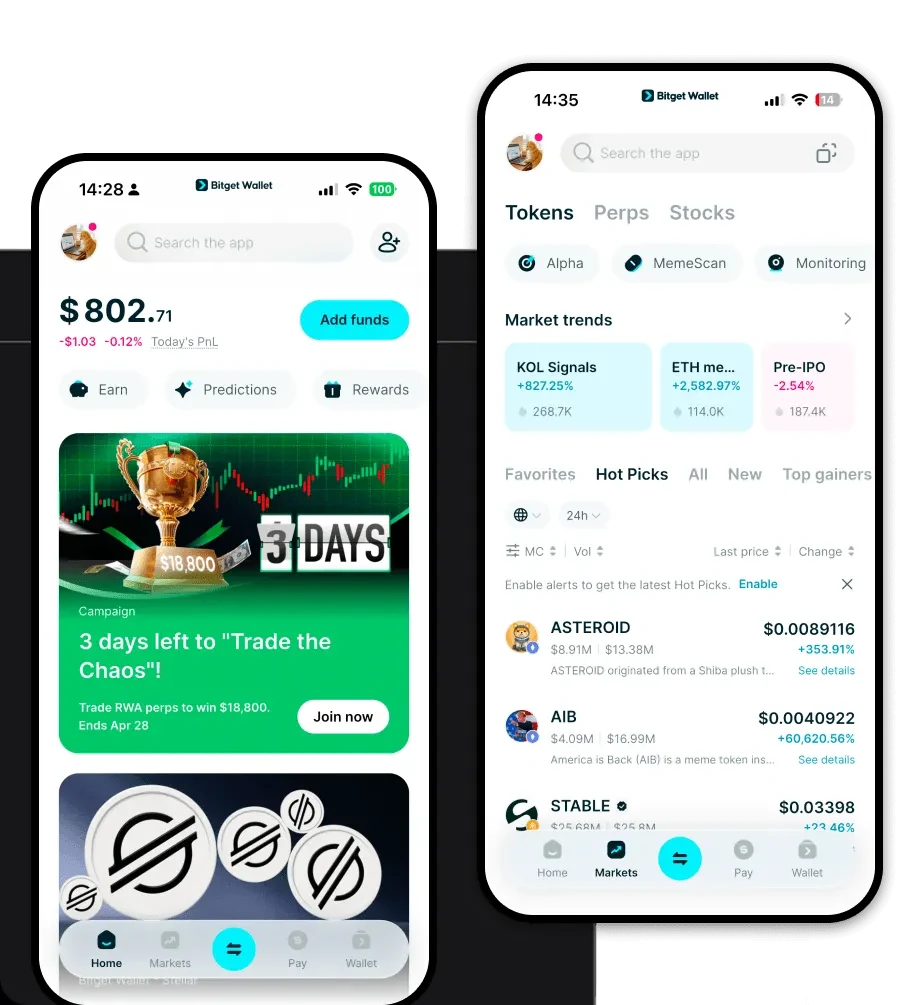
To start managing your assets, you need a robust application that bridges the gap between your funds and the Solana network. We recommend users download Bitget Wallet to experience a seamless interface that supports 130+ mainstream public chains. Whether you prefer mobile management on iOS or Android, or the convenience of a browser extension, Bitget Wallet ensures you maintain full custody of your private keys. It is designed to be the best wallet for wentoken by offering a simplified, non-custodial experience where you, and only you, hold the keys to your digital wealth.
Why Choose Bitget wentoken Wallet?
- Native Solana Performance: Bitget Wallet is optimized for Solana’s high throughput architecture, ensuring that your WEN transactions are processed with near-instant finality.
- Low-Cost Trading: Take advantage of Solana’s minimal network fees, allowing you to move and swap wentoken without the prohibitive gas costs found on other chains.
- Meme Ecosystem Integration: As a wallet built for the modern degen, it provides direct access to the most liquid DEXs on Solana, perfect for active meme token traders.
- Enhanced Security Infrastructure: With a $300 million user protection fund, Bitget Wallet adds an extra layer of peace of mind for your speculative assets.
- Intuitive Asset Management: Easily view, track, and manage your meme token portfolio with a clean, user-friendly interface that doesn't overwhelm beginners.
How to Create a wentoken Wallet
Setting up your wallet is a straightforward process designed for both newcomers and power users:
- Download and Install: Visit the official Bitget Wallet website and select the appropriate version for your device (iOS, Android, or Browser Extension).
- Create a New Wallet: Open the app and select 'Create a Wallet.' You will be prompted to set a secure password for your local access.
- Backup Your Seed Phrase: The app will generate a 12-word mnemonic phrase. Write this down on paper and store it offline; never share this with anyone, as it is the only way to recover your funds.
- Verify Solana Address: Once set up, find the Solana network within the asset list to view your unique wallet address.
- Deposit wentoken: You can now copy your address to receive WEN from an exchange or another wallet, or use the integrated swap feature to purchase WEN directly.
What Can You Do With a wentoken Wallet?
A wentoken wallet is more than just a storage vault; it is a gateway to the Solana meme economy. Here is how you can utilize it:
- Trading: Use the built-in DEX aggregator to execute real-time swaps of WEN against SOL or other Solana-native tokens.
- Speculative Investment: Hold your WEN securely while waiting for market fluctuations, using the wallet’s price tracking tools to stay updated.
- Community Participation: Connect your wallet to community-driven dApps and governance portals to engage with the broader WEN ecosystem.
- Liquidity Provision: Provide your tokens to decentralized liquidity pools on Solana to potentially earn rewards while supporting the token's market depth.
How wentoken Wallets Are Different from Other Crypto Wallets
Unlike wallets built for EVM-compatible chains (like Ethereum or Polygon), which rely on complex gas estimation, a wentoken wallet operating on Solana utilizes a unique account model. Solana’s architecture is designed for high throughput and instant finality, meaning your wallet must handle rapid state changes without the 'pending' lag common in older networks. Furthermore, while Bitcoin wallets use the UTXO model, your wentoken wallet interacts with Solana’s global state account model, which provides a more streamlined, lower-fee environment. This makes Bitget Wallet the best wallet for wentoken, as it is specifically engineered to handle the high-speed, low-fee nature of the Solana blockchain, avoiding the resource bottlenecks often found in legacy wallet designs.
