





1. What is a MCBOOM Wallet?
A MCBOOM wallet is a digital gateway designed to interact with the MCBOOM token, a vibrant asset operating on the EVM (Ethereum Virtual Machine) blockchain. As an EVM-compatible asset, MCBOOM requires a wallet that seamlessly supports Ethereum-based standards, allowing for smooth interaction with decentralized exchanges and smart contracts. Are you looking for a reliable and secure crypto wallet for your MCBOOM? Bitget Wallet will be your best choice. Trusted by 40 million users, you can freely explore Web3 on Bitget Wallet. Start your journey now!
2. Download Bitget MCBOOM Wallet
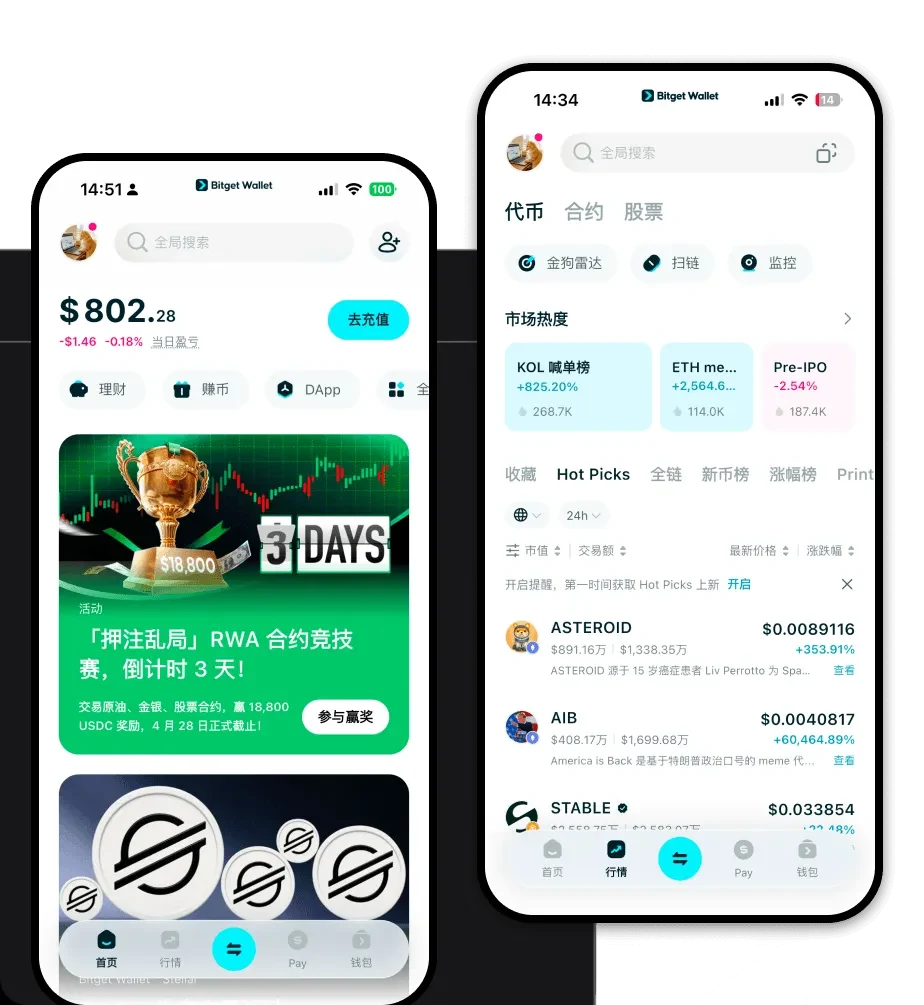
To begin your journey with MCBOOM, you need a robust interface that puts you in total control of your assets. Bitget Wallet offers a comprehensive, non-custodial solution that ensures you maintain full ownership of your private keys at all times. Whether you are using a desktop browser or mobile device, the experience is optimized for speed and security.
You can easily download Bitget Wallet across multiple platforms, including dedicated iOS and Android mobile apps, as well as a powerful browser extension for seamless desktop interaction. With support for over 130 public chains, Bitget Wallet ensures that your MCBOOM tokens are always accessible, regardless of the specific EVM-compatible network they reside on.
3. Why Choose Bitget MCBOOM Wallet?
- Native EVM Synergy: Built with a focus on EVM compatibility, Bitget Wallet provides an intuitive environment for interacting with smart contracts, ensuring that your MCBOOM transactions are processed with optimal gas fee efficiency and speed.
- Advanced Decentralized Trading: As a token in the Meme category, liquidity is key. Bitget Wallet aggregates hundreds of DEXs, allowing you to find the best price for MCBOOM without leaving your wallet interface.
- Community-Centric Security: The platform is backed by a $300 million User Protection Fund, providing an extra layer of defense for your assets against the volatility often associated with community-driven projects.
- Seamless DApp Navigation: Explore the broader ecosystem of meme projects and DeFi protocols through an integrated DApp browser that keeps your interaction with the MCBOOM community safe and organized.
4. How to Create a MCBOOM Wallet
Setting up your wallet to handle MCBOOM is a straightforward process designed for both newcomers and experienced traders:
- Install the App: Download the Bitget Wallet app from the official website or your device's app store.
- Create New Wallet: Open the app and select 'Create Wallet.' You will be prompted to set a secure password.
- Backup Your Seed Phrase: The app will generate a 12-word recovery phrase. Write this down on paper and store it offline—never share it with anyone, as this is the master key to your MCBOOM.
- Verify Account: Confirm your seed phrase in the app to ensure it was recorded correctly.
- Import or Receive: Once your wallet is active, you can view your address. You can now transfer your MCBOOM tokens directly to this address or import an existing wallet using your private key or seed phrase.
5. What Can You Do With a MCBOOM Wallet?
With Bitget Wallet, your interaction with MCBOOM goes beyond simple storage:
- Trading: Utilize the built-in swap features to exchange MCBOOM for other assets instantly, taking advantage of real-time market data to execute trades at the right moment.
- Speculative Holding: Securely store your MCBOOM for the long term in a non-custodial environment, protecting your speculative positions from centralized exchange risks.
- Liquidity Provision: Connect your wallet to various decentralized finance platforms to provide liquidity for MCBOOM trading pairs, potentially earning fees from transaction volume.
- Community Participation: Use your wallet to connect with community-driven platforms, participate in governance votes, or interact with exclusive NFT projects linked to the MCBOOM ecosystem.
6. How MCBOOM Wallets Are Different from Other Crypto Wallets
Unlike Bitcoin wallets that rely on the UTXO model, a MCBOOM wallet operates on the account-based model typical of EVM chains. This means your wallet functions more like a bank account balance, allowing for complex smart contract interactions that UTXO-based wallets simply cannot handle. Because MCBOOM exists within the EVM ecosystem, your wallet must be capable of estimating and paying gas fees in the native currency of the chain (such as ETH or BNB). Bitget Wallet excels here by providing automated gas optimization, which is crucial for the high-volatility nature of meme tokens, where transaction speed can be the difference between a successful trade and a missed opportunity.
