nobleblocks
nobleblocksウォレット:nobleblocksを保管、送金、利用するためのベストウォレット(2026年版ガイド)
nobleblocksの保管、送金、利用に最適なnobleblocksウォレットをダウンロードしましょう。nobleblocksウォレットの作成方法、DAppsへのアクセス方法、そしてnobleblocksを安全に管理する方法について学びましょう。
よくあるご質問
よくある質問と回答
Nobleblocksウォレットは安全ですか?
。 Yes, using Bitget Wallet to manage your nobleblocks tokens is highly secure. As a non-custodial wallet, you retain full control over your private keys and seed phrases, meaning no third party can access your funds. Furthermore, Bitget Wallet is backed by a 300 million USD user protection fund, providing an additional layer of security against platform-related risks.
Nobleblocksのウォレットアドレスを取得するにはどうすればよいですか?
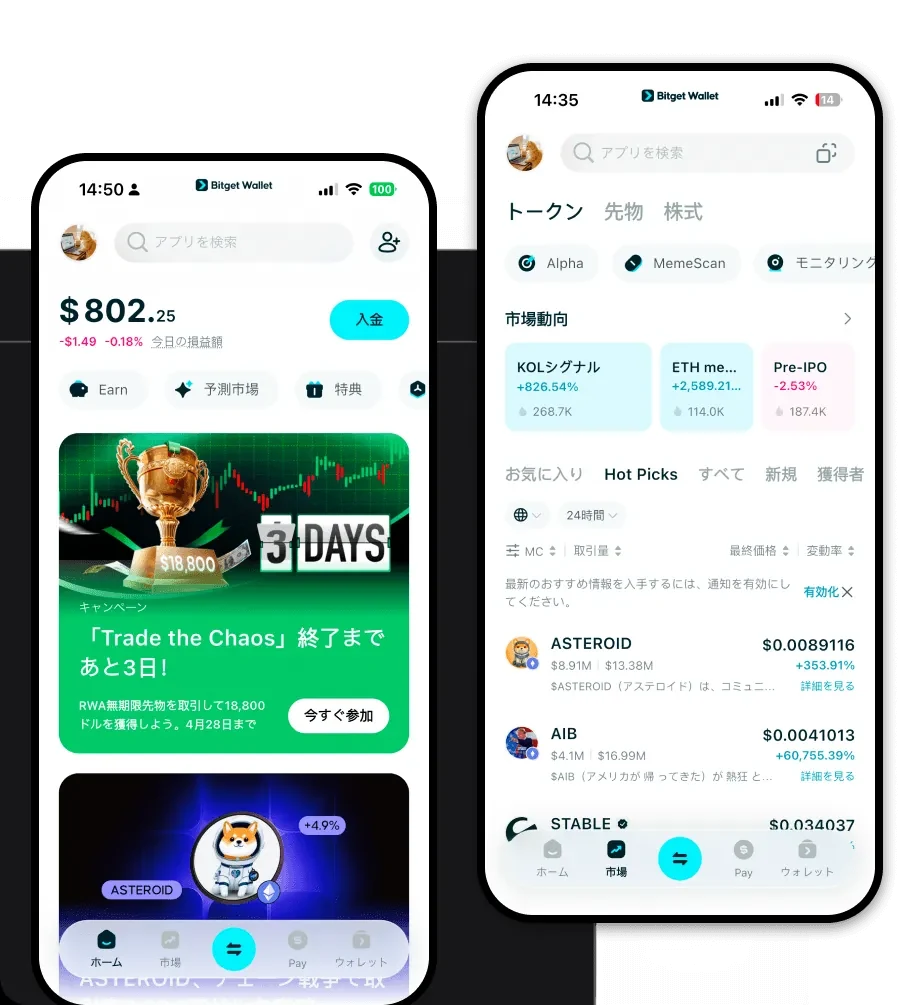
或多词多余话语。To get your nobleblocks wallet address, simply download the Bitget Wallet app, create a new wallet, and back up your recovery phrase. Once your wallet is set up, navigate to the main dashboard, select 'Receive,' and choose the EVM chain. Your wallet address will be displayed as an alphanumeric string beginning with '0x', which you can use to receive nobleblocks tokens. Nobleblocksのウォレットアドレスを取得するには、Bitget Walletアプリをダウンロードし、新しいウォレットを作成して、リカバリーフレーズをバックアップするだけです。ウォレットのセットアップが完了したら、メインダッシュボードに移動し、「受取(Receive)」を選択して、EVMチェーンを選択します。ウォレットアドレスは「0x」で始まる英数字の文字列として表示され、これを使用してNobleblocksトークンを受け取ることができます。
Bitget Walletにnobleblocksを保管できますか?
はい、Bitget Walletでnobleblocksを簡単に保管できます。このトークンはEVMエコシステム上に構築されているため、Bitget Walletはネイティブでサポートしています。ウォレットの「トークンを追加」機能を使用し、nobleblocksのコントラクトアドレスをインポートするだけで、残高を確認し、他のEVM互換トークンと一緒に資産を管理することができます。