colourify
colourify Wallet: Best Wallet to Store, Send & Use colourify (2026 Guide)
ดาวน์โหลด Colourification Wallet ที่ดีที่สุด สำหรับจัดเก็บ ส่ง และใช้งาน Colourification เรียนรู้วิธีสร้าง Colourification Wallet, เข้าถึง DApp และจัดการ Colourification ของคุณอย่างปลอดภัย
คำถามที่พบบ่อย
ตอบคำถามของคุณ
Is colourify wallet safe?
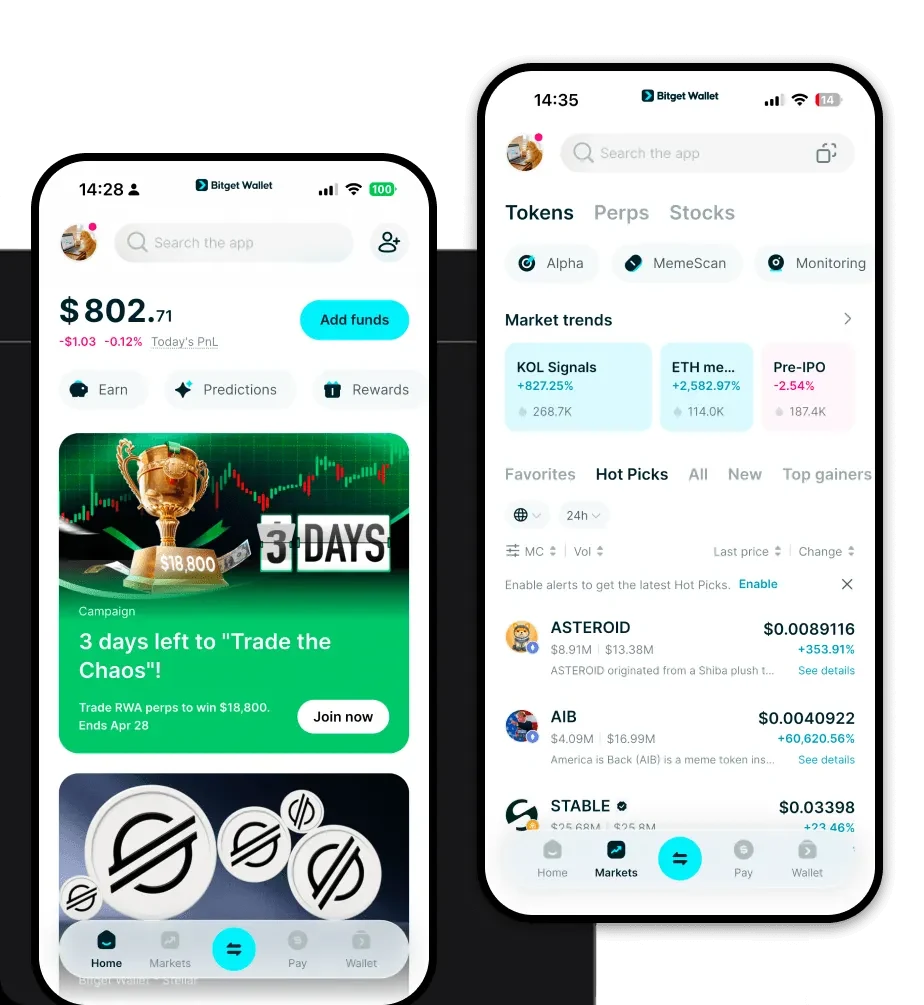
Yes, Bitget Wallet is highly secure. It uses a decentralized, non-custodial architecture, meaning you are the sole owner of your private keys. Furthermore, it is backed by a $300 million user protection fund, which provides an additional safety net against potential protocol risks, ensuring your assets remain secure while you explore the Web3 space.
How to get a colourify wallet address?
To get your address, open your Bitget Wallet and ensure you are on the correct EVM network. Tap the 'Receive' button on the main dashboard. You will see an alphanumeric string and a QR code. This is your public colourify wallet address, which you can share with others to receive tokens.
Can I store colourify on Bitget Wallet?
Yes, you can. Bitget Wallet supports over 130+ blockchains and millions of tokens, including colourify. Once you have imported or added the token contract address to your wallet, your colourify balance will be displayed in your portfolio, and you will be able to send, receive, and trade the asset seamlessly.