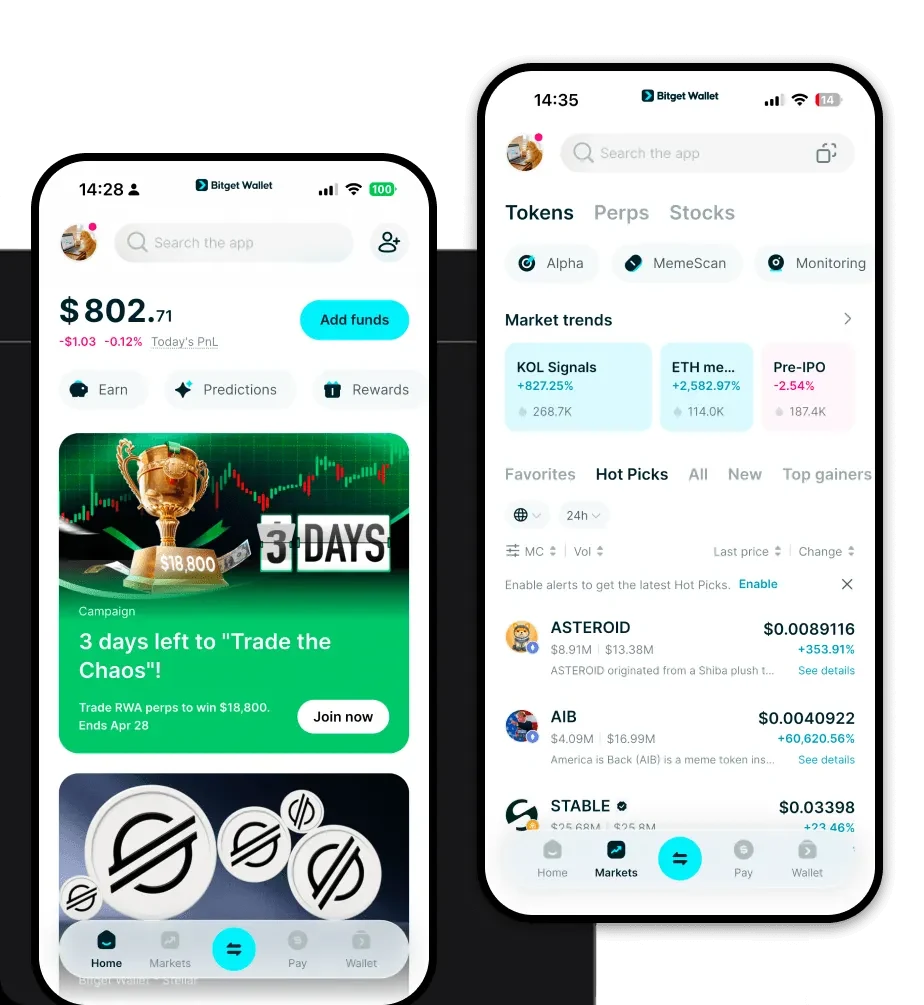
1. What is a dsa Wallet?
A dsa wallet is a specialized digital interface designed to interact with the dsa token, which operates on the EVM (Ethereum Virtual Machine) blockchain. Because dsa is built upon EVM standards, it requires a wallet that can interpret smart contracts and interact with decentralized applications seamlessly. Bitget Wallet provides a reliable and secure platform for managing your dsa tokens, allowing users to explore the Web3 ecosystem with confidence.
2. Download Bitget dsa Wallet
Getting started with your dsa assets requires a robust, self-custodial solution. Bitget Wallet is designed to give you full control over your private keys, ensuring that you—and only you—have ownership of your assets. Whether you prefer managing your portfolio on the go or from your desktop, Bitget Wallet offers a seamless experience across all major platforms. You can download Bitget Wallet for iOS, Android, or as a browser extension to begin your journey. Its multi-chain architecture ensures that you can manage your dsa tokens alongside a vast array of other digital assets without needing to switch between different applications.
3. Why Choose Bitget dsa Wallet?
- Native EVM Compatibility: Designed specifically for the Ethereum ecosystem, ensuring that dsa tokens are displayed correctly and interact instantly with smart contracts.
- Robust Asset Security: Bitget Wallet incorporates a $300 million protection fund, providing an extra layer of defense for your digital portfolio against unforeseen security threats.
- High Liquidity Support: The wallet aggregates hundreds of decentralized exchanges, allowing you to swap dsa with minimal slippage and optimal pricing.
- Seamless DeFi Integration: Built-in DApp browser support allows you to connect directly to protocols without exposing your private keys to malicious websites.
4. How to Create a dsa Wallet
- Install the App: Visit the official Bitget Wallet website and download the application for your specific device (iOS, Android, or Browser Extension).
- Initialize Your Wallet: Open the app and select 'Create a Wallet.' You will be prompted to set a secure password for local access.
- Secure Your Seed Phrase: The app will generate a 12-word recovery phrase. Write this down on paper and store it offline—never share this phrase with anyone.
- Add dsa Token: Once your wallet is set up, use the 'Add Token' feature. Search for 'dsa' or input the specific contract address if it is a custom token to make it visible in your dashboard.
- Verify Your Address: Click on the dsa asset in your list to reveal your public wallet address, which you can now use to receive tokens.
5. What Can You Do With a dsa Wallet?
With Bitget Wallet, your dsa tokens become functional assets within the decentralized finance landscape. You can engage in trading on decentralized exchanges, utilizing the wallet's integrated aggregator to find the best market rates for swapping your tokens. For those looking to grow their holdings, staking for yield generation allows you to lock your dsa in smart contracts to earn passive rewards. You can also participate in providing liquidity in pools, which helps maintain market stability while potentially earning a share of transaction fees. Finally, the wallet simplifies cross-chain asset transfers, enabling you to move your assets across different networks using integrated bridges without manual complexity.
6. How dsa Wallets Are Different from Other Crypto Wallets
Unlike wallets designed for UTXO-based chains like Bitcoin, a dsa wallet is built on the account-based model characteristic of EVM networks. While Bitcoin wallets track the history of unspent outputs, your dsa wallet tracks a balance associated with a specific address. Furthermore, because dsa operates on the EVM, transaction costs are calculated based on gas fees—the computational effort required to execute your transaction. Bitget Wallet optimizes this by suggesting real-time gas settings, ensuring your transactions are processed efficiently even during network congestion, a feature that distinguishes it from basic, non-custodial wallets that lack advanced network fee management.