kardiachain
KardiaChain Wallet: Best Wallet to Store, Send & Use KardiaChain (2026 Guide)
Download the best kardiachain wallet to store, send, and use kardiachain. Learn how to create a kardiachain wallet, access DApps, and manage your kardiachain securely.
FAQ
Questions, answered.
Is KardiaChain wallet safe?
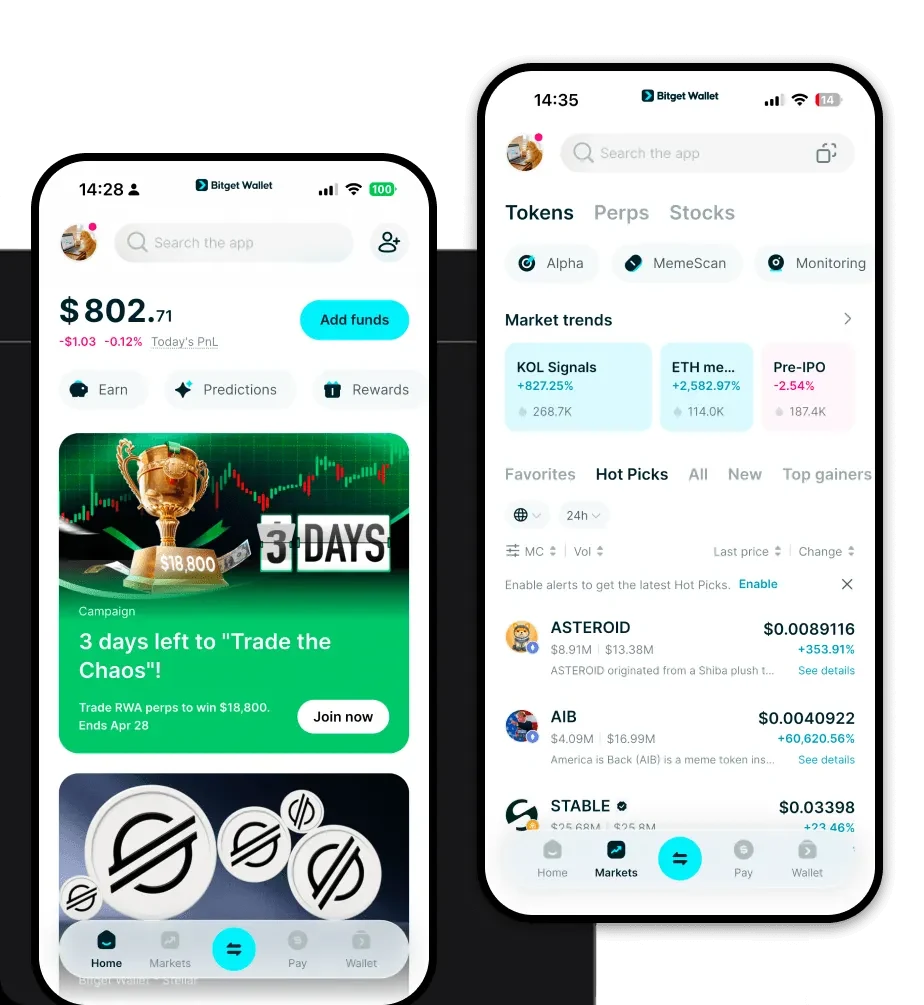
Yes, using Bitget Wallet to manage your KardiaChain assets is highly secure. Bitget Wallet provides self-custody, meaning you hold your own private keys and recovery phrases, which is the gold standard for crypto security. Additionally, the platform is backed by a $300 million user protection fund, adding a layer of institutional-grade security to your personal asset management.
How to get a KardiaChain wallet address?
To get your KardiaChain wallet address, first 'download Bitget Wallet' and complete the setup process. Once your wallet is initialized, open the app, tap on the 'Receive' or 'Assets' tab, search for 'KAI' or 'KardiaChain,' and select it. The app will display your unique public address, which you can copy or share as a QR code to receive funds.
Can I store KardiaChain on Bitget Wallet?
Absolutely. Bitget Wallet fully supports KardiaChain (KAI). You can store, send, receive, and swap KAI tokens directly within the wallet. Because Bitget Wallet is a multi-chain platform, it is an excellent choice for users who want to manage their KardiaChain assets alongside other tokens in a single, unified interface.